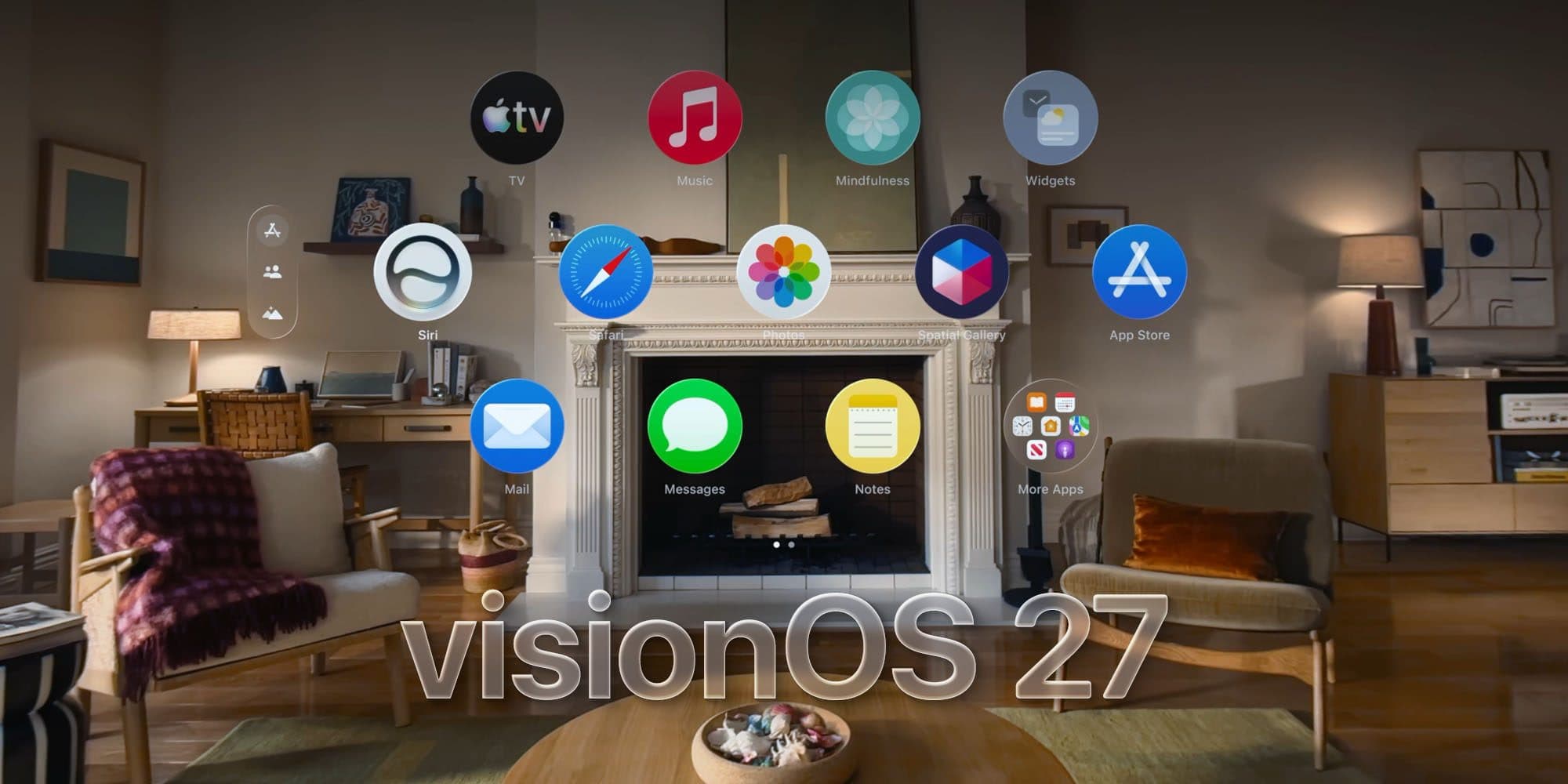
Even as Apple temporarily downsizes its Apple Vision Pro hardware team, visionOS 27 shows development of the platform hasn't slowed. Here's what's new now that is available for download.
Apple took the OS 27 update cycle to focus on stability, optimization, and liquid glass refinements. However, visionOS didn't need those things as badly as Apple's other platforms.
So, instead, visionOS 27 is one of the more feature-filled updates compared to the other OS 27 releases. Multiple areas are improved, including customization, productivity, and UI paradigms.
That isn't to say Apple didn't take some time to get a few bugs fixed. The internal use of Claude code and other AI tools has vastly sped up optimization and bug hunting at Apple, and the OS 27 releases show that.
After a summer of beta testing, visionOS 27 is available to the public. Here are some features you can expect after updating.
visionOS 27 features
Apple's main advertising point across all of OS 27 is Siri AI, now powered by the revamped Apple Foundation Models. It has shipped in every OS with some capability, including visionOS 27.

Siri AI appears as a sphere you can attach to your desktop
When you summon Siri in visionOS 27, it appears as a 3D sphere in your space. Reach out and grab that sphere, then attach it to your desk, and it'll stay in place.
Then, whenever you need Siri, you just look at the sphere and start speaking. Every interaction is logged in the new Siri app as well.
There's also a new Visual Intelligence tool that lets users ask questions about what is in their field of view. Similar to taking a screenshot on other platforms, it examines what is in view alongside a user prompt to provide information.
Beyond Siri AI and Apple Intelligence, there are new features involving customization. Users are now able to use their own panoramic photos to act as a spatial environment that's also converted to 3D.
Apple also included a new Thorsmork environment with shifting Icelandic auroras at night and a bubbling creek during the day.

Open Safari tabs in a new view that opens as a carousel of windows around you
Safari also has a new tab view that arranges the tabs in a Tab Group horizontally so a user can swipe between them. It is an excellent view for navigating through multiple pages for research.
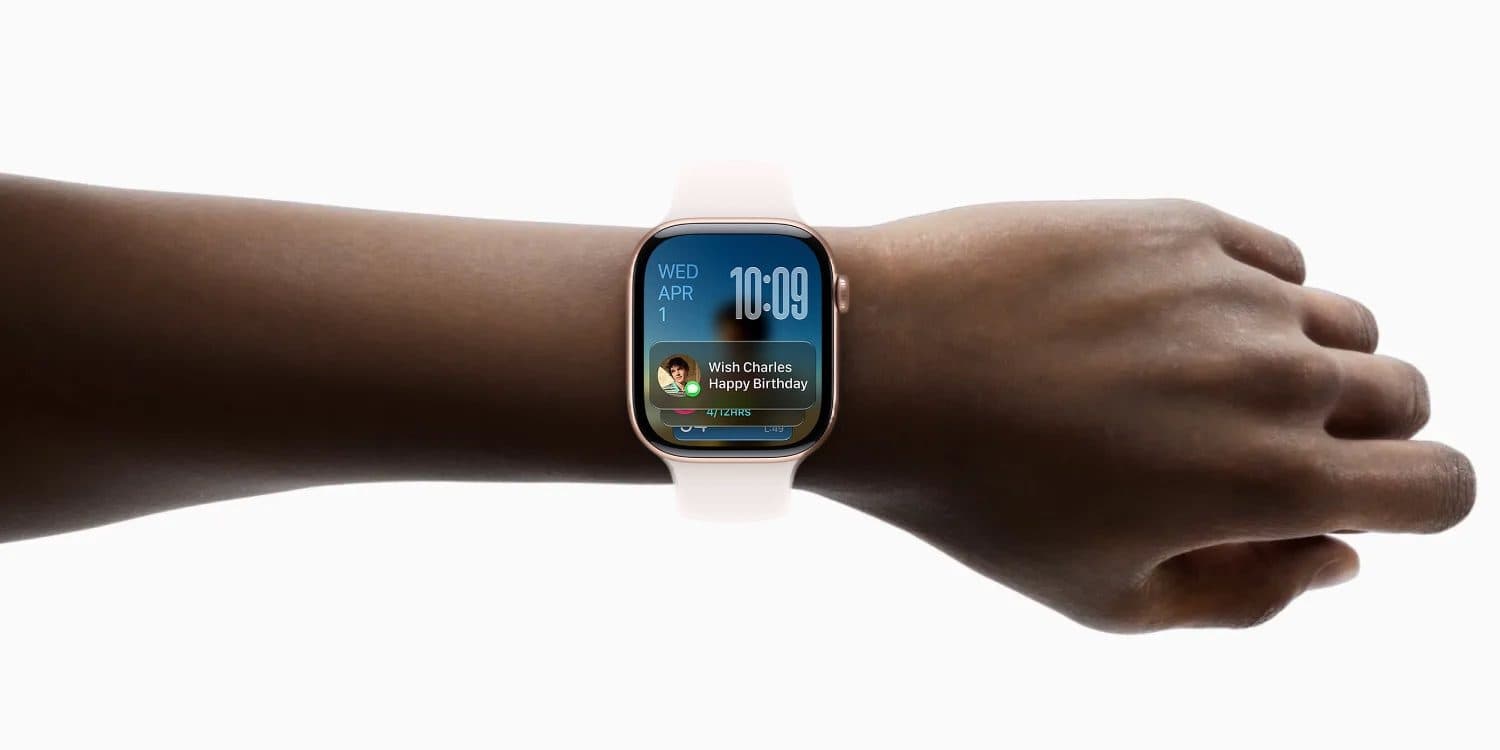
Other improvements include a new curved window mode, a Virtual Mac Display widget, Quick Look for 3D models, and yet another Control Center redesign. Wi-Fi connects faster during startup, Messages sync faster, and notifications open with a glance.
How to install visionOS 27
Apple doesn't push the new OS updates automatically, at least not right away. So, even if you have automatic updates on, you'll need to manually update if you want visionOS 27 right away.
Go to Settings, General, Software Update, and select "Upgrade to visionOS 27" to get the update today.